All features 02
A QR code for stamping
Treubar gives you a QR code for the counter. The guest scans it, you confirm the visit in the app — the stamp is on the card. You need no extra device and no POS system.
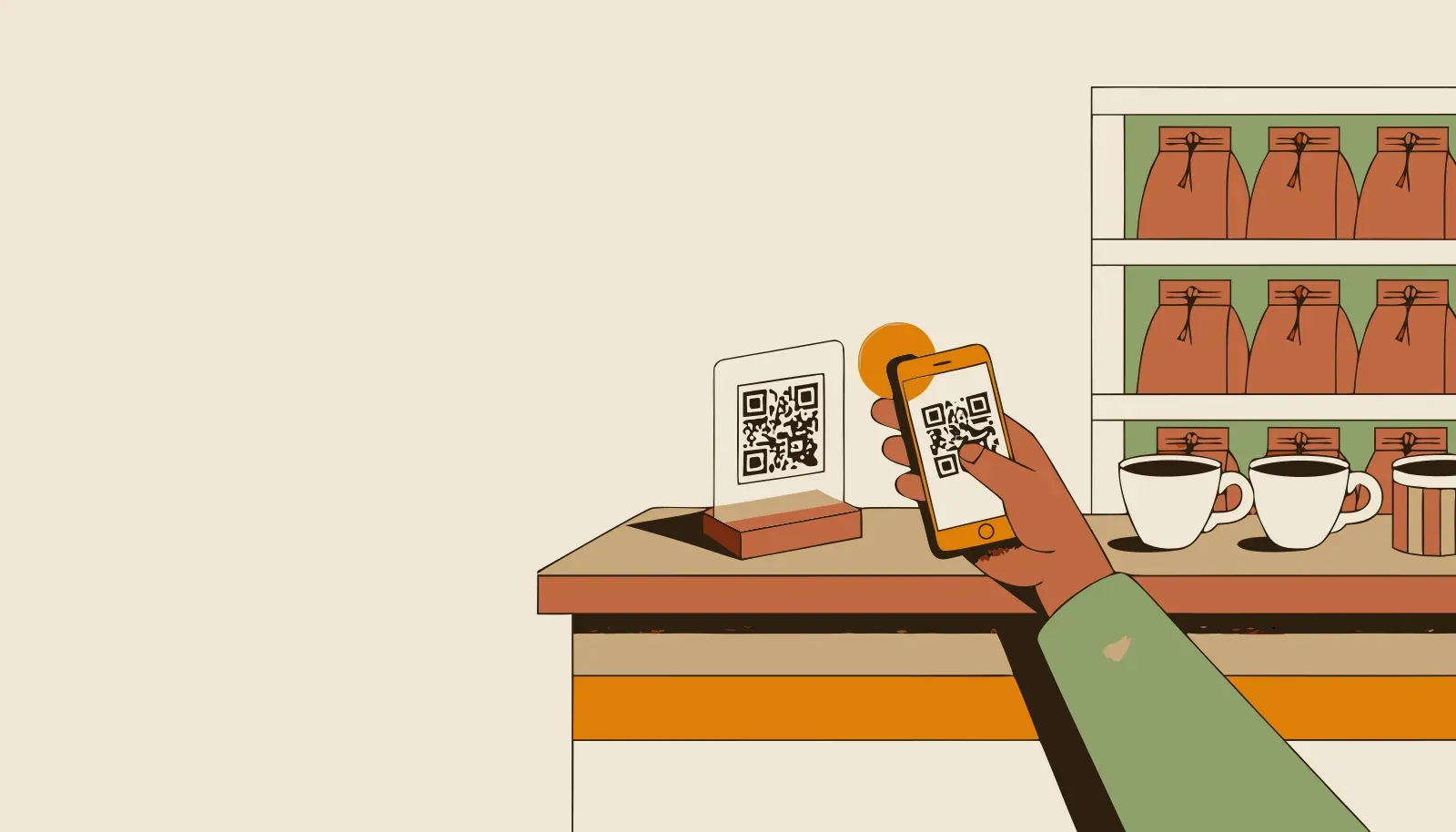
Treubar gives you a QR code for the counter. The guest scans it with their phone, you confirm the visit in the app — the stamp is set. No extra device, no point-of-sale system, no cards to restock. An accidental stamp is undone with a single tap.
An example
In the bakery the QR stand sits next to the till. While paying, the guest scans, you tap confirm — the stamp is on the card before the change hits the counter.
- One QR code to print, as a PDF — ready to put on the counter
- Stamp straight from your team’s phone
- No POS system and no extra hardware needed
- Undo a stamp added by mistake