Features

Everything your digital stamp card needs.

Treuly puts the stamp card in your customers' wallet — and gives you everything to design it, stamp it, and see who comes back. From your phone, no hardware.

6 features · 37 templates
A look inside the app

You run everything from your phone.

Design cards, stamp, see your numbers — the Treuly app is your tool. Here is what it looks like.
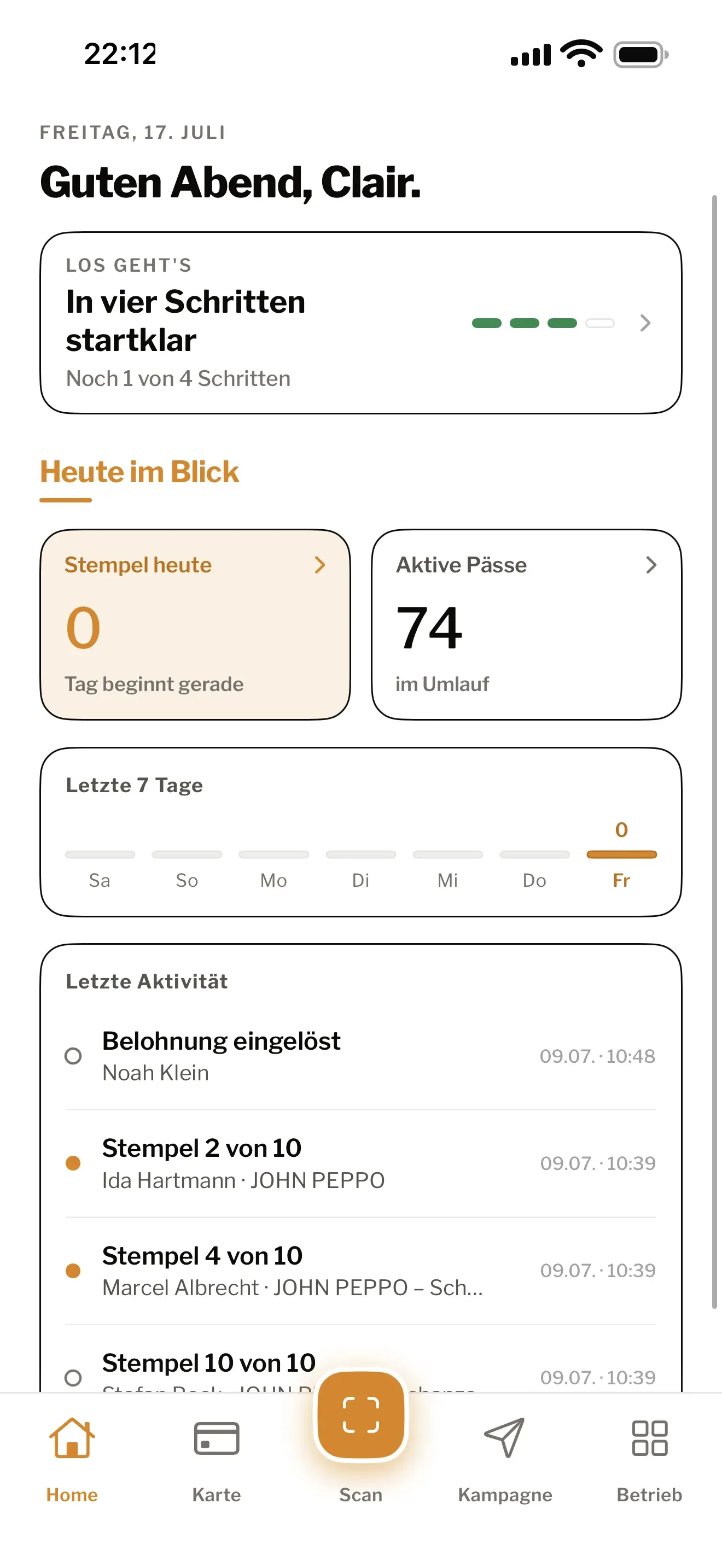
The Treuly app: dashboard with stamps, redemptions and peak hours at a glance

App interface currently in German

01

Card in Apple Wallet & Google Wallet

The Treuly stamp card is a real wallet pass — it sits in Apple Wallet or Google Wallet, already installed on every smartphone. Your customers don't download anything and don't create an account.

  • Works with Apple Wallet and Google Wallet
  • No app download and no account for your customers
  • The card updates itself after every stamp
  • Colours and icon on every plan — your own logo from Pro
The Treuly app: card view with a live preview of the Cafe Riva wallet pass
02

A QR code for stamping

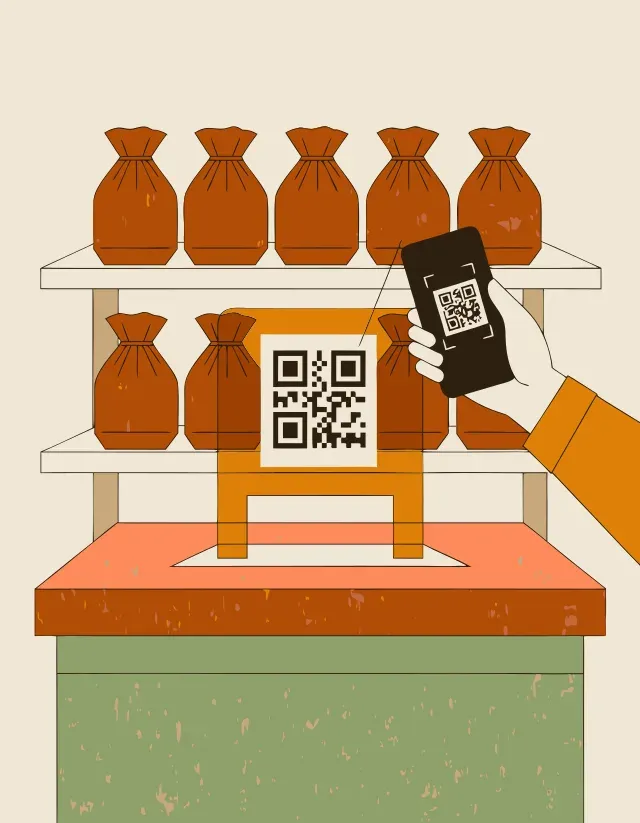
Treuly gives you a QR code for the counter. The customer scans it, you confirm the visit in the app — the stamp is on the card. You need no extra device and no POS system.

  • One QR code to print, as a PDF — ready to put on the counter
  • Stamp straight from your team's phone
  • No POS system and no extra hardware needed
  • Undo a stamp added by mistake
The Treuly app: +1 stamp confirmation right after the scan, 4 of 10
03

See who comes back (Pro)

With Pro, Treuly shows you what's happening on your cards: how many are out there, how often you stamp, and how many rewards get redeemed. So you can spot your regulars — and see whether the card is working.

  • Active cards and stamps issued at a glance
  • How many rewards have been redeemed
  • See how many customers come back regularly
  • In the Treuly app — clear, no jargon
The Treuly app: dashboard with stamp statistics, trend and peak hours
04

Push messages (Pro)

With Pro, you can send a short message to everyone who has your card in their wallet — it shows up right on their lock screen. Perfect for bringing regulars in on a quiet day.

  • One message to all cardholders, straight to the lock screen
  • Great for quiet afternoons or a last-minute promotion
  • Your customers don't have to switch on notifications separately
  • You decide when and how often
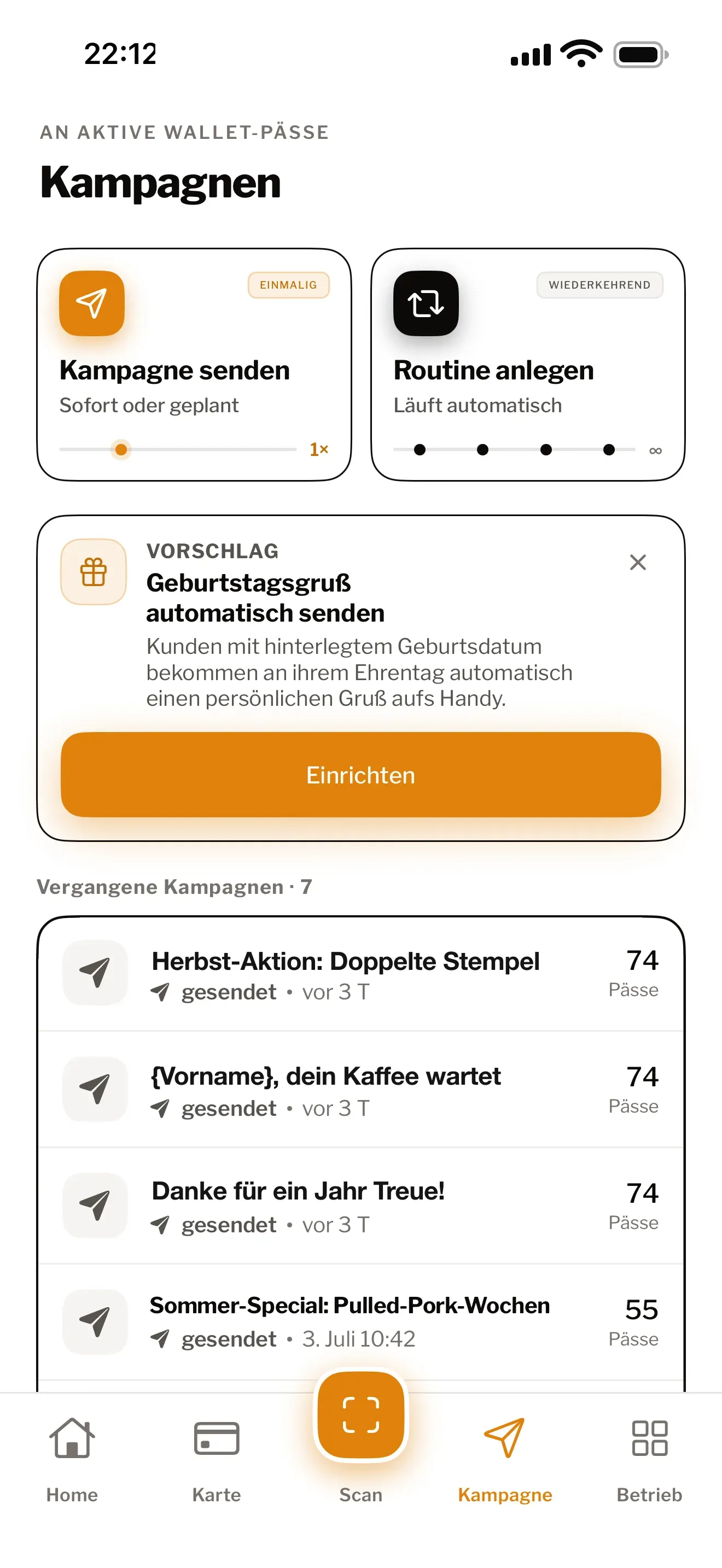
The Treuly app: business area with push campaigns to active passes
05

Your logo, your background (Pro)

Colours, stamp icon and reward text are yours to design on every plan. Pro adds your logo and a custom background image — in your customers' wallet they see you, not a generic template.

  • Colours, icon and reward text freely editable on every plan
  • Your own logo and background image from Pro
  • A live preview shows the finished pass right away
  • Multiple card designs — e.g. breakfast and coffee separately (from Pro)
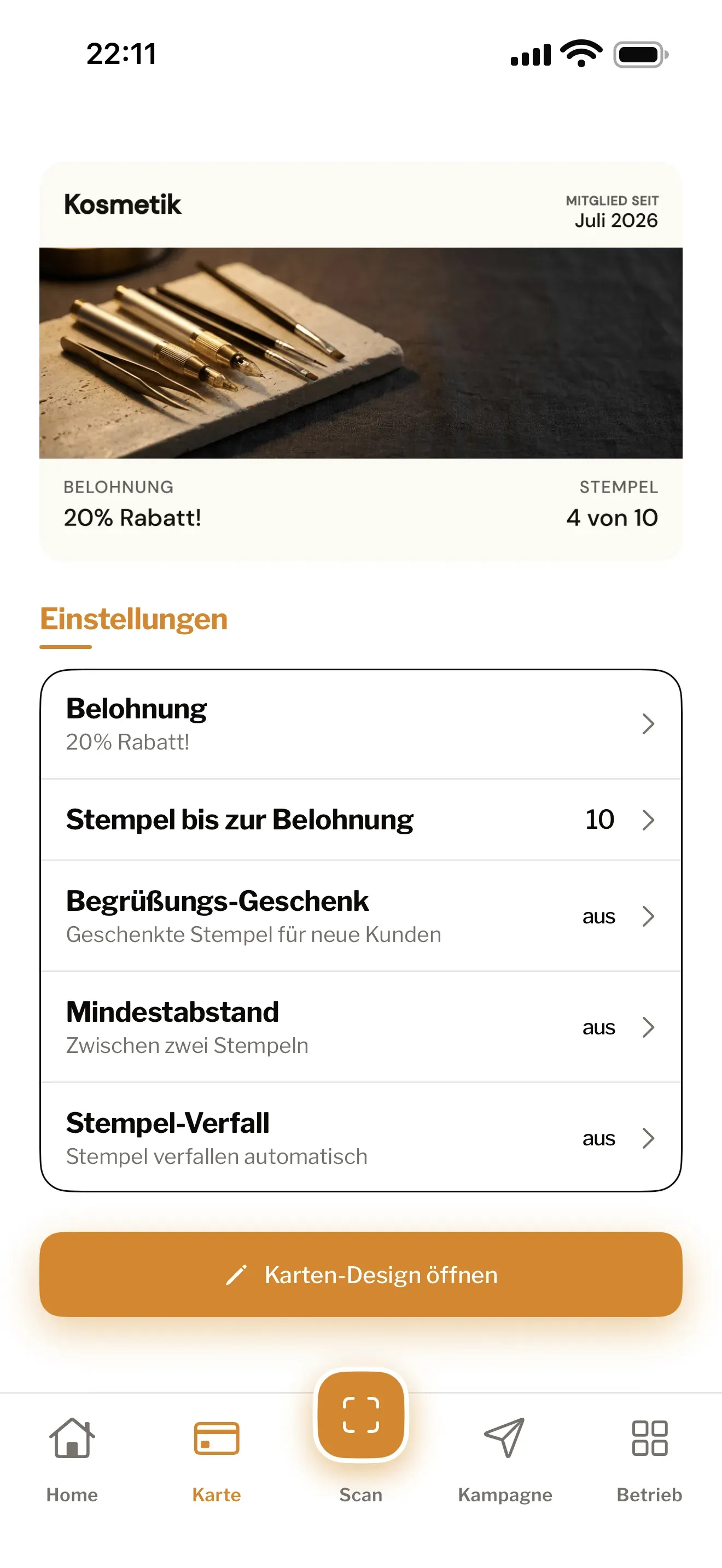
The Treuly app: card mechanics with colours, reward and card design
06

Multiple locations (Business)

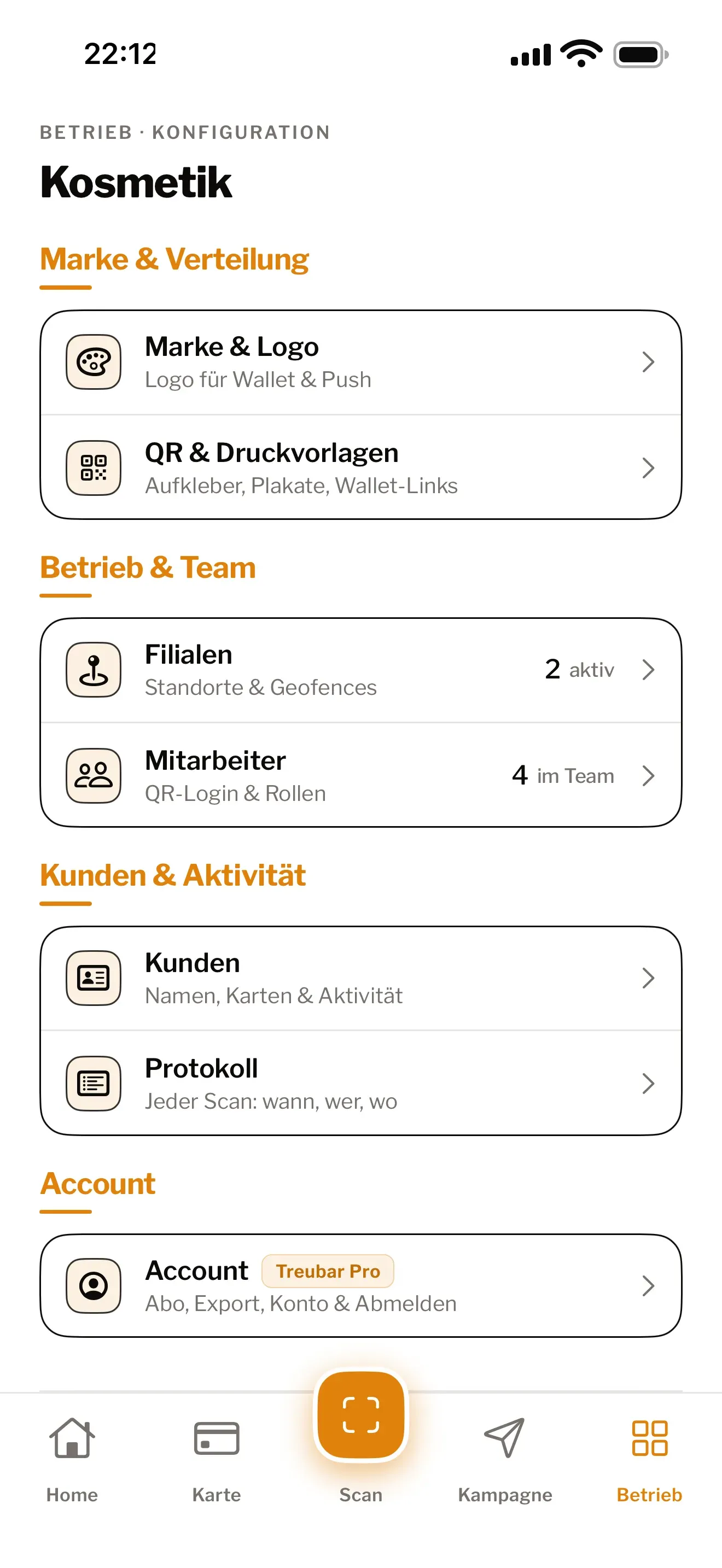
If you run more than one shop, Business gives you one loyalty card across all locations, separate numbers for each, and individual logins for your team. All self-serve — no sales team, no sales call.

  • One stamp card that works across all your locations
  • Per-location numbers
  • Separate logins for your team — for stamping, without access to everything else
  • Set it up yourself, no sales call
The Treuly app: log of all stamps and redemptions with team member and time

Paper stamp card or Treuly?

Compared Paper Treuly
Gets lost All the time Stays in the wallet
App download for customers No No
Hardware at the counter Stamp & cards Just your phone
You see who comes back No Yes, with Pro
Reach regulars directly No Yes, with Pro

The full comparison on the blog →

Works with
Apple WalletGoogle Wallet

Ready to retire the paper card?

Set up your digital stamp card for free — in a few minutes, no credit card. Be one of the first shops on Treuly.